GasTurb makes simulation tasks easy. The tutorials on this site give an overview of GasTurb’s functionalities and provide a basis for applying the software to the gas turbine design process. The tutorials are designed for both newcomers and advanced users.

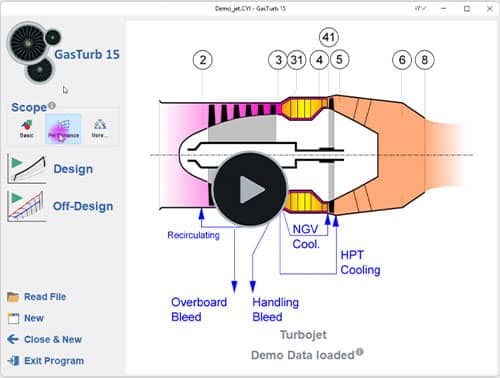
Introduction to GasTurb

This three-part tutorial series provides an introduction to Gasturb’s user interface and its most frequently used features.

Tutorial I: How to calculate a Gas Turbine cycle

  • GasTurb Main Window
  • Design Point Calculation
  • Formula Editor
  • h-s-Diagrams
  • Iterations

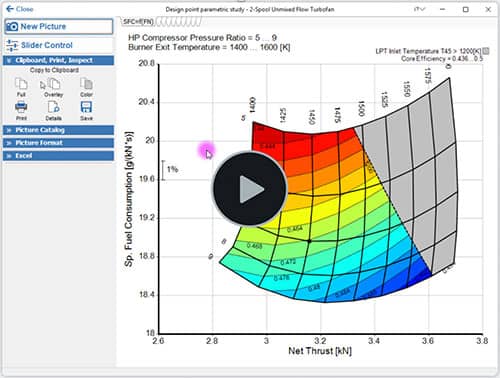
Tutorial II: Design Parametric Study

  • Conducting Parametric Studies
  • Contours & Design Limits
  • Parametric Studies with Iterations

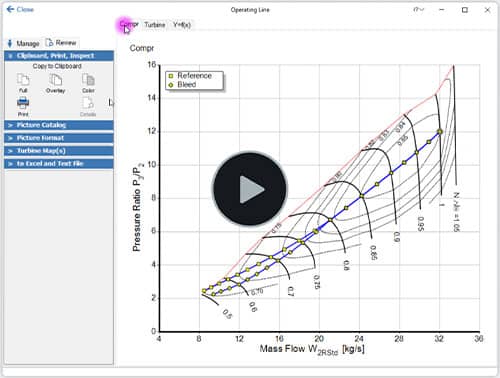
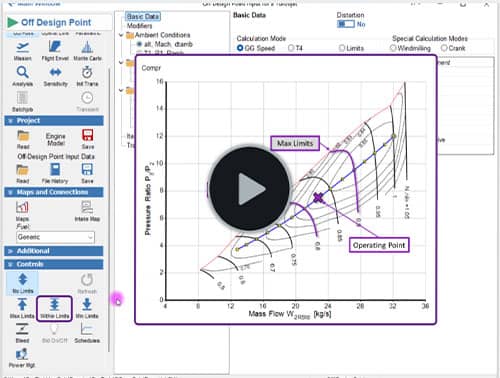
Tutorial III: Introduction to Off-Design Simulations

  • Off-Design Point Calculation
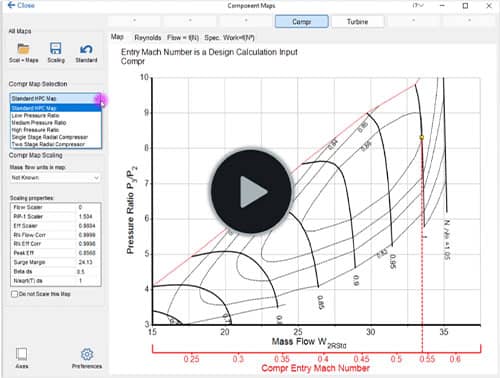
  • Usage of Component Maps
  • Operating Lines
  • Handling Bleeds

How to use Component Maps

  • Adapting Component Maps
  • Map Data Format
  • Scaling Factors and Scaling Point Location
  • Matching Map Values with Test Data

How to optimize a Gas Turbine Cycle

  • Optimization Strategies
  • Usage of multiple Optimization Variables
  • Design Constraints
  • Considering Critical Off-Design Conditions

Advanced Topics

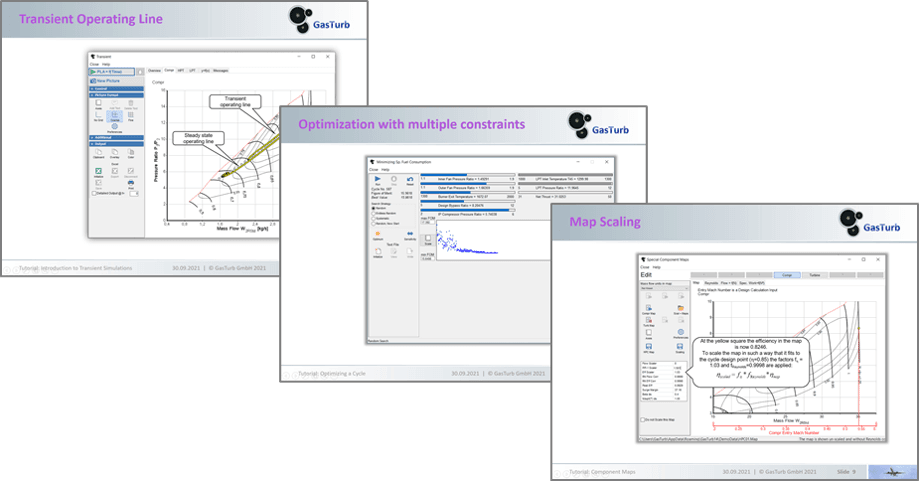
The following PowerPoint tutorials deal with more advanced topics:

  • Component Maps
  • Optimizing a Cycle
  • Preliminary Engine Design
  • Control System Simulation
  • Test Analysis
  • Use of Unscaled Maps
  • Introduction to Transient Simulations

Size: 20.6 MB
Typ: ZIP

Electric Systems

The Electric System tutorials are currently under revision to align with the new features of GasTurb 15.